

Question from A User: OST Files
From time to time, we receive a question in our ticketing system that we feel would benefit others. When the question is posted in our forums, the community can read the question and subsequent responses. When it’s via an email, it is purely between the user and the agent. Today’s question is regarding OST files in Email settings.
“I went to check the OPTIONS -> “Email & Organizer,” saw OST files are greyed-out? “
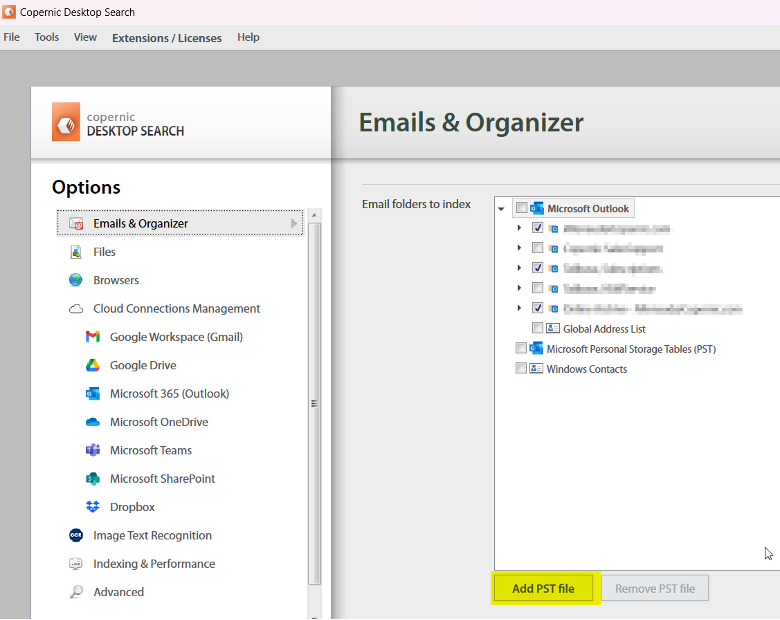
The files can take some time to adjust, and the box will be greyed out while this area loads. Once loaded, the Add PST file box should be available to use.
If it does not display as expected after loading, this means that it added an OST file by passing by the option “Add PST file” of the options of Copernic, but this file is already opened in Outlook and Outlook “locked” this file when it is opened.
To change this, follow the steps outlined below:
– In the email options of Copernic, select the grayed OST file and click on the button “Remove PST file”.