

Using Keyboard Shortcuts in Copernic
Are you a keyboard whiz who prides yourself on keyboard shortcuts over mouse use all day, every day? Transfer your love for shortcuts to the Copernic UI for even faster searches. Below, please find some shortcuts you can use while using the software.
F1 Opens the support Web page (Freshdesk support page)
Ctrl+F Focus on the main search bar:
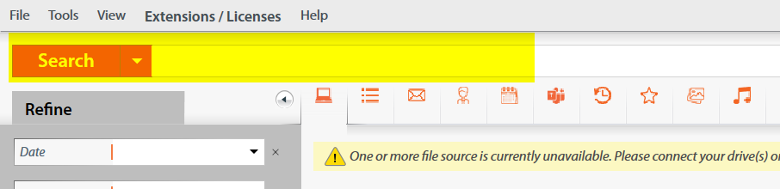
Tab Scroll between the UI elements
Alt+[Some letters] Navigate inside the main menu
Ctrl+C Copy the selected results in the clipboard
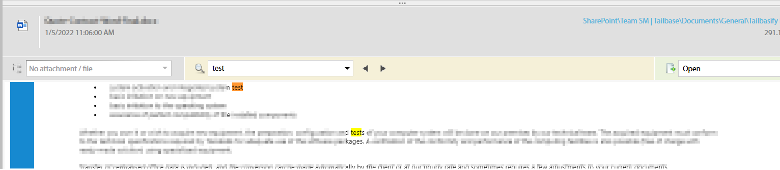
Preview zone search feature:
Ctrl+Shift+F Focus inside the preview zone search bar:

F3 Find next occurrence
Ctrl+G Find next occurrence
Shift+F3 Find previous occurrence
Ctrl+Shift+G Find previous occurrence:
File property window (Right click on file > Indexed Properties):
Escape Close the window
Ctrl+C Copy the selected lines in the clipboard
Ctrl+A and Ctrl+C can also work in the major parts of Copernic.
Making use of keyboard shortcuts will make your Copernic experience even faster! Save valuable mouse time with these keyboard shortcuts. Have questions? Our Technical Support team is happy to assist! They can be reached at [email protected].